Home
Assets
My Works
Voice Library
Developer Docs
Blog
English
Pricing
Sign In
AI Image
HomeImage ToolsAI Image

Image Tools · Nano Banana · GPT-Image-2 · Seedream 5.0 Pro

AI Image

Describe an image, then fix just the part that is off

Drop files here to upload

Only supports .jpg, .jpeg, .png, .webp file

HOW IT WORKS

How to generate and edit images

Write the picture you want, or upload a reference; when something falls short, select that area and change only it.

  1. 01

    Pick the model

    Nano Banana, GPT-Image-2 and Seedream 5.0 Pro all sit in the same editor, so you can try another one on the same prompt instead of moving to another tool.

  2. 02

    Describe it, or show it

    Write what the subject is and how it should look, and add up to five reference photos when words alone will not pin it down.

  3. 03

    Fix one region at a time

    Select the part that is wrong and say what it should be instead. The rest of the frame is untouched, so a fix never costs you the parts you already liked.

  4. 04

    Step back through versions

    Every generation and every edit is kept as its own version. Compare them, return to any one, and download the original file.
View more examples
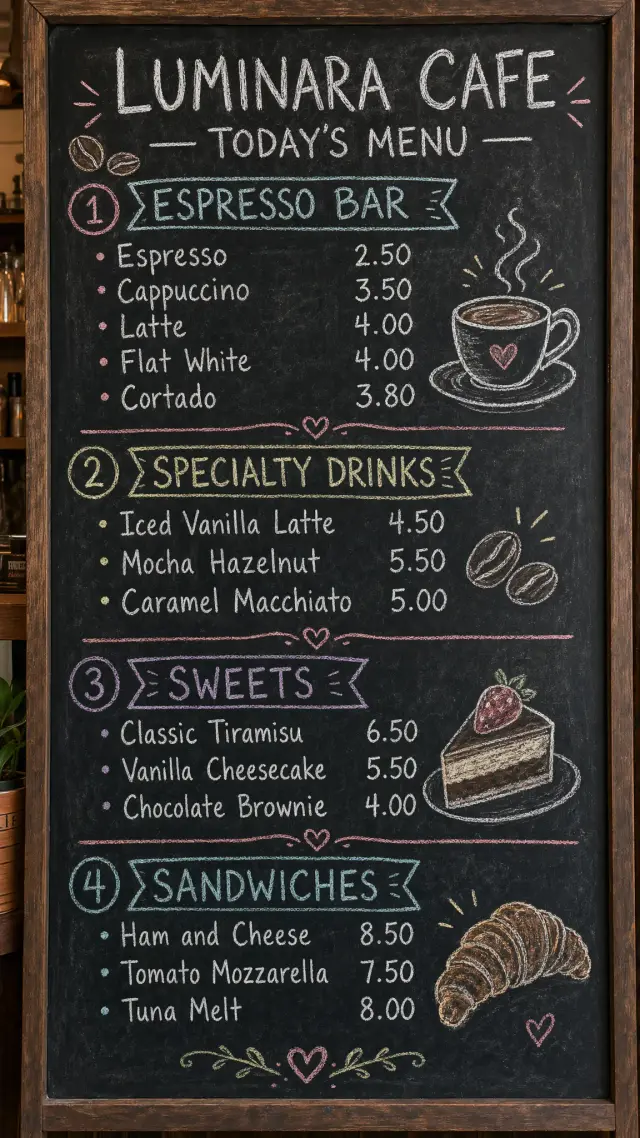
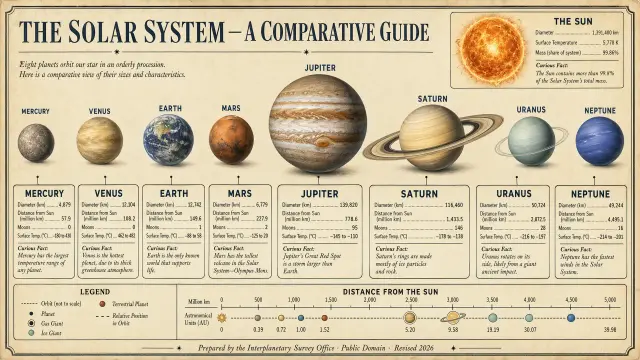
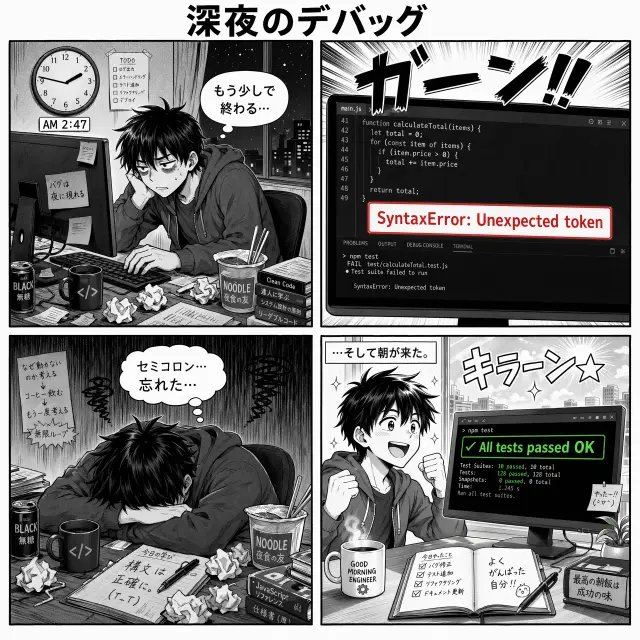
A vintage educational wall-chart infographic titled 'THE SOLAR SYSTEM — A COMPARATIVE GUIDE' at the top in stately serif caps. Eight planets — Mercury, Venus, Earth, Mars, Jupiter, Saturn, Uranus, Neptune — rendered in painterly detail in a horizontal row at approximate relative scale. A labeled callout box below each planet lists: planet name in bold, diameter in km, distance from Sun in million km, number of moons, surface temperature range, one curious fact in italic. Top-right inset: the Sun with its data. Bottom: compact legend, distance ruler, attribution 'Prepared by the Interplanetary Survey Office · Public Domain · Revised 2026'. Aged cream background, thin hairline rules, serif body with sans display headings. Retro aerospace science aesthetic. All numbers and labels perfectly legible.A square 4-panel black-and-white Japanese-style comic strip titled '深夜のデバッグ' (Late Night Debugging). Screentone shading, clean inked lines, uniform panel gutters. Panel 1 top-left: a tired young engineer at a desk, a wall clock shows 2:47 AM, speech bubble in Japanese 'もう少しで終わる…'. Panel 2 top-right: extreme close-up of a monitor showing code with a red error 'SyntaxError: Unexpected token', big sound effect 'ガーン!!' in jagged kana. Panel 3 bottom-left: the character slumped in despair, thought bubble 'セミコロン…忘れた…'. Panel 4 bottom-right: the character smiling, monitor now green 'All tests passed OK', narration box at top '...そして朝が来た。', sound effect 'キラーン☆'. Classic clean comic style, high contrast. All Japanese rendered accurately.A vertical chalkboard menu in a cozy cafe, shot straight on. White and pastel chalk handwriting on a dark slate board with chalk dust. Header 'LUMINARA CAFE — TODAY'S MENU'. Four sections with headings: ESPRESSO BAR listing Espresso 2.50, Cappuccino 3.50, Latte 4.00, Flat White 4.00, Cortado 3.80. SPECIALTY DRINKS listing Iced Vanilla Latte 4.50, Mocha Hazelnut 5.50, Caramel Macchiato 5.00. SWEETS listing Classic Tiramisu 6.50, Vanilla Cheesecake 5.50, Chocolate Brownie 4.00. SANDWICHES listing Ham and Cheese 8.50, Tomato Mozzarella 7.50, Tuna Melt 8.00. Small chalk doodles of coffee beans, a steaming cup, and a croissant in the margins. Warm, imperfect, human handwritten feel. Every item and price clearly legible.
Q&A

AI Image Generator FAQ

01

Which models can I use?

Nano Banana, GPT-Image-2 and Seedream 5.0 Pro. You switch between them in the same editor, and the results from each sit together in the version history for comparison.

02

Can I edit part of an image instead of regenerating it?

Yes, that is the point of the editor. Select a region, describe the change, and only that area is regenerated. The edit is saved as a new version rather than replacing the previous one.

03

What is an AI image generator?

It turns a written description, or a photo you upload, into a new image. You describe the result instead of drawing or shooting it.

04

Can I start from my own photo?

Yes. Upload up to five reference images in JPG, PNG, or WebP and they steer the generation.
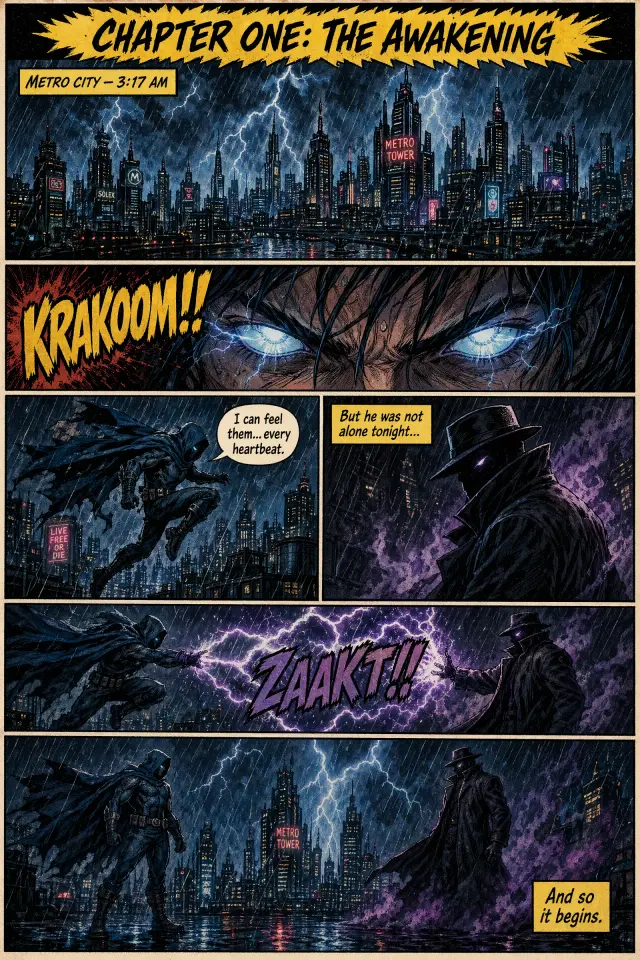
A portrait 6-panel comic book page in a vintage action-adventure style: bold inked outlines, dotted screentone shading, vibrant flat colors. A jagged yellow caption banner at the top reads 'CHAPTER ONE: THE AWAKENING'. Panel 1 wide top: a thunderstorm over a stylized futuristic city skyline, caption box 'METRO CITY — 3:17 AM'. Panel 2: close-up of glowing eyes opening, sound effect 'KRAKOOM!!'. Panel 3: a cloaked hero leaping between rooftops, speech bubble 'I can feel them... every heartbeat.' Panel 4: a mysterious figure in shadow, caption box 'But he was not alone tonight...'. Panel 5: lightning arcing between them, sound effect 'ZAAKT!!'. Panel 6 wide bottom: both facing each other in the rain, narration box 'And so it begins.' Proper speech-balloon tails, hand-drawn sound effects, dynamic panel borders.
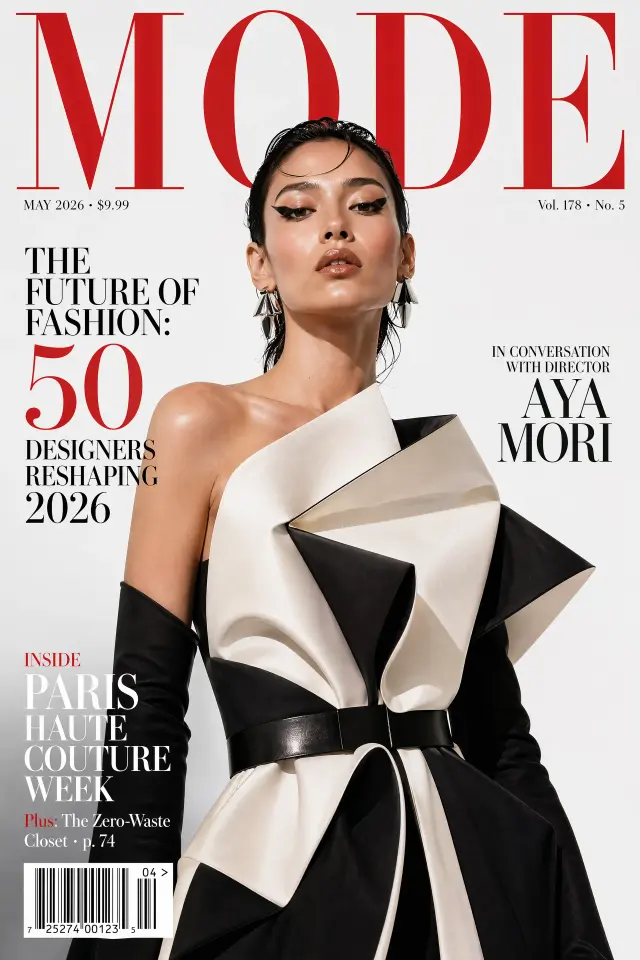
A 2:3 glossy fashion magazine cover, photorealistic. Masthead at top in massive tall red serif: 'MODE'. Dateline 'MAY 2026 · $9.99'. Cover subject: a striking high-fashion model with avant-garde makeup wearing architectural haute-couture, direct confident gaze, studio lighting. Cover lines arranged around the model in varied sizes: large left 'THE FUTURE OF FASHION: 50 DESIGNERS RESHAPING 2026', mid right 'IN CONVERSATION WITH DIRECTOR AYA MORI', bottom left 'INSIDE PARIS HAUTE COUTURE WEEK', tiny teaser 'Plus: The Zero-Waste Closet · p. 74'. Barcode in bottom-left '04 > 7 25274 00123 5'. Issue number top-right 'Vol. 178 · No. 5'. Crisp commercial editorial polish.
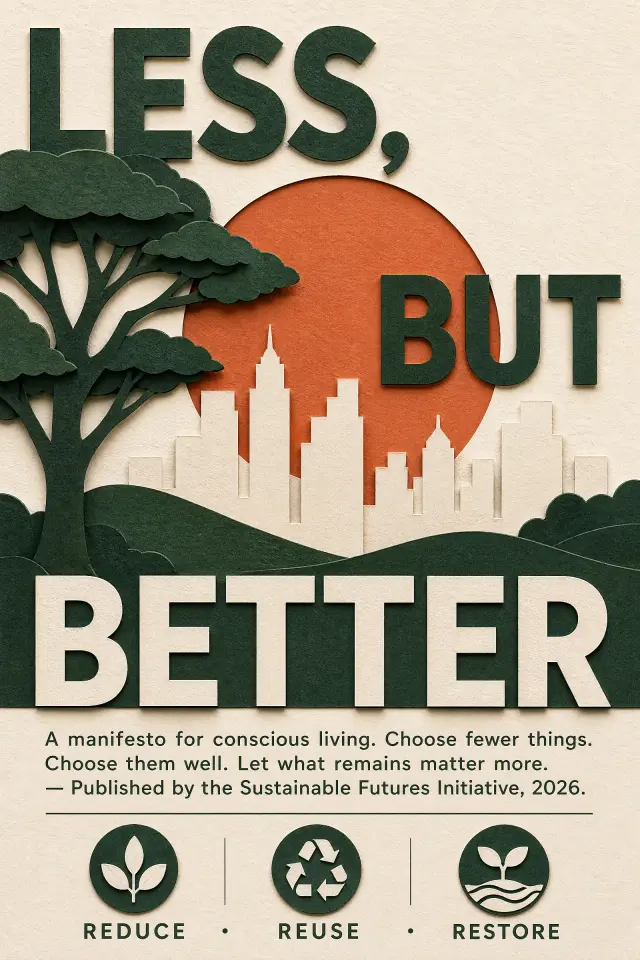
A 2:3 portrait layered paper-cut craft poster, warm natural light with soft shadows between paper layers. Composition: overlapping silhouettes of a tree and a minimalist city skyline cut from rich forest-green and cream cardstock, a rising sun in terracotta orange behind. Large bold modernist slogan wrapping the composition: 'LESS, BUT BETTER'. Smaller justified body paragraph below: 'A manifesto for conscious living. Choose fewer things. Choose them well. Let what remains matter more. — Published by the Sustainable Futures Initiative, 2026.' Bottom row of three small icons with captions: 'REDUCE · REUSE · RESTORE'. Palette: forest green, cream, terracotta, soft white. Visible paper grain texture. All text razor-sharp.
05

What sizes can I get, and how many at a time?

Aspect ratios from 1:1 to 21:9, three quality levels, and one, two, or four images per run.

06

Can I use the images commercially?

Yes, in personal and commercial work. Check the current terms for what applies to your plan.

What you can create
07

Fixing the one thing that is off

A good image with a wrong hand, sign, or colour does not need regenerating. Select that area and change only it.

08

Covers and thumbnails

Produce the 16:9 or 1:1 art a video, episode, or post needs, at the ratio it will be shown at rather than cropped later.

09

Restyling a photo you already have

Upload your own image as a reference and take it somewhere else, keeping the composition you started from.

10

Comparing models on one idea

Run the same prompt through a different model and keep both results side by side in the version history.

ListenHub

One platform for AI content creation — from an idea to audio, images, slides and video.

Audio
AI PodcastText to SpeechMulti-Speaker VoiceoverAudio to TextVoice CloningAI Voice
Video
AI VideoExplainer VideoLip SyncAd GeneratorPromo VideoMotion Transfer
Image
AI ImageSlides
Resources
PricingDiscoverVoice LibraryBlogAPI DocumentationMCP Server GuideAgent Skills Guide
Company
About UsContact UsTerms of UsePrivacy Policy
© 2026 MarsWave